Description
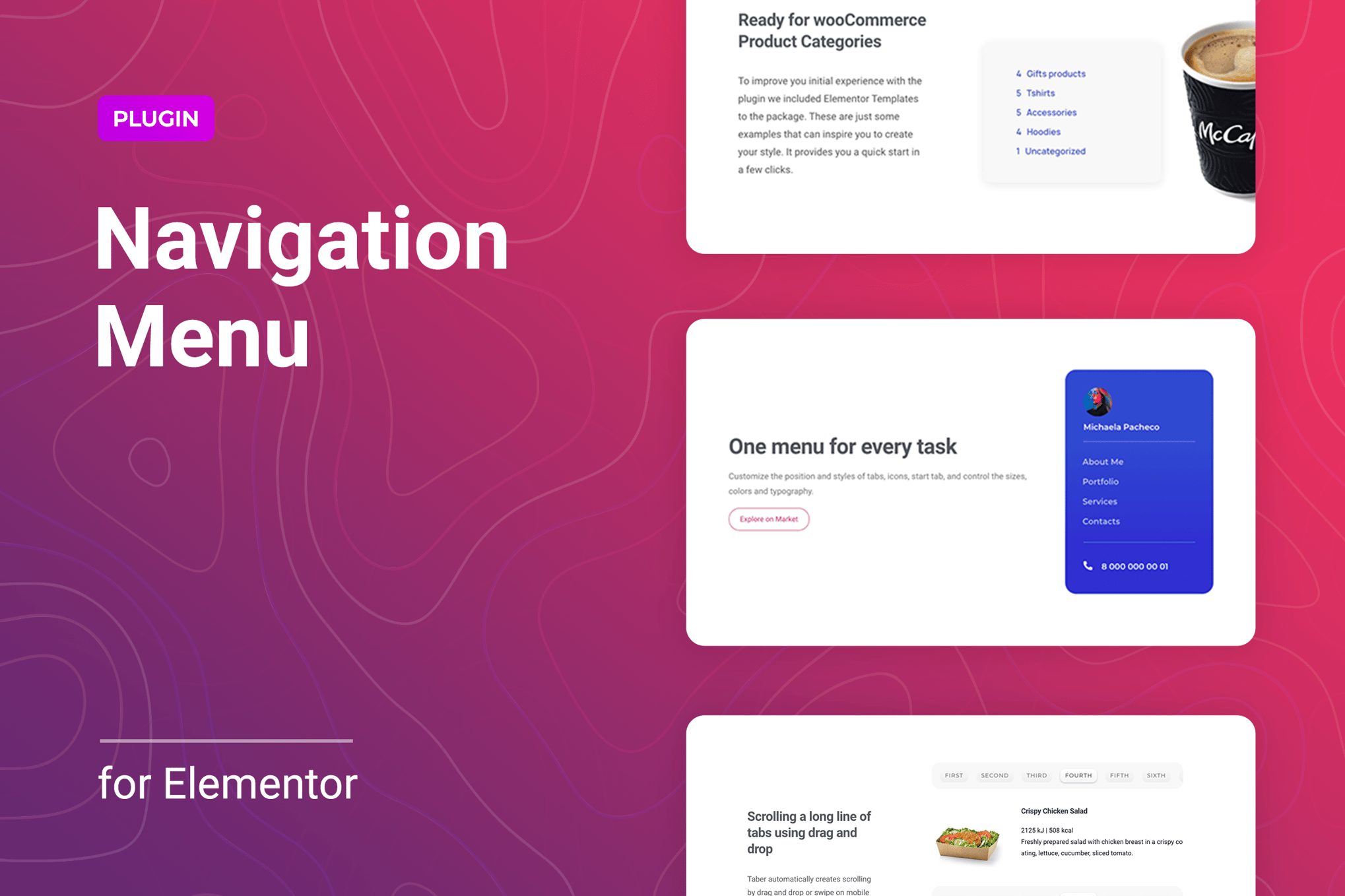
Menuar is a WordPress plugin for Elementor to add responsive menu blocks to any place on your website page. This is an easy way to get horizontal or vertical navigation areas in several clicks. You can manage the display of the menu for different devices via straightforward settings. Select the toggle icon for the mobile and specify its position, upload a logo or add the menu background, there is everything you need to create user-friendly and unique mobile, tablet, or desktop navigation for your website.The widget allows you to customize the submenu display position by selecting top or bottom positions or offsetting it along the X or Y-axis. Set the submenu animation, upload your own icon for the indicator. Get a great multi-level menu without additional efforts. The Menuar plugin has all the necessary features to add several menu locations and configure them according to your site style and needs. Using the categories in the navigation, you can display the number of posts added to them. The item supports the Woocommerce category as well.We made sure that it was easy for you to get started with Menuar. With the plugin, you get 5 unique stylized and go-to-use templates. These are just some examples that can inspire you to create your style. It provides you a quick start in a few clicks.The plugin has straightforward settings for the desktop/mobile menu and submenu. You can manage size, typography, colors, background, border, and other things for different elements. It is possible to apply various styles for different menu item states like normal, hover, or active.Menuar for Elementor is exceptionally compatible with all modern browsers. It does not matter which browser users view your site: Chrome, Firefox, Opera, Safari, or Edge. Everything will look great on all devices and in all browsers.Features of the Menuar plugin for ElementorCustomizable Mobile MenuAdding icons or images for submenu indicatorSupports horizontal or vertical layoutCustom mobile menu logoDisplaying the number of posts in a categoryFlexible settings of a submenu display positionResponsive and friendly to any devicesMultiple navigations for one page and anywhere on the siteWoocommerce compatibilityFont Awesome Icon SupportCustomizable fonts, colors, borders, backgrounds, etc.Responsiveness settingsWorks well with all WordPress themes built on ElementorTotally Seo FriendlyIncluded pot file for quick translation on any languagePerfect for RTL directionFast and smooth installingTested and compatible up to WordPress 5+Lightweight and FastAll major browsers supported Chrome, Firefox, Safari, Opera, and EdgeEasy to use and customize with modern User InterfaceInstallation Guide and detailed Users ManualSix months Included Support for CodeCanyon buyersThe plugin installation takes only a few seconds. Also, you do not need to make any additional settings. The plugin is ready to work immediately after installation – you only need to install and activate it in WordPress. Read more about capabilities and settings in the Online Documentation.