
Description
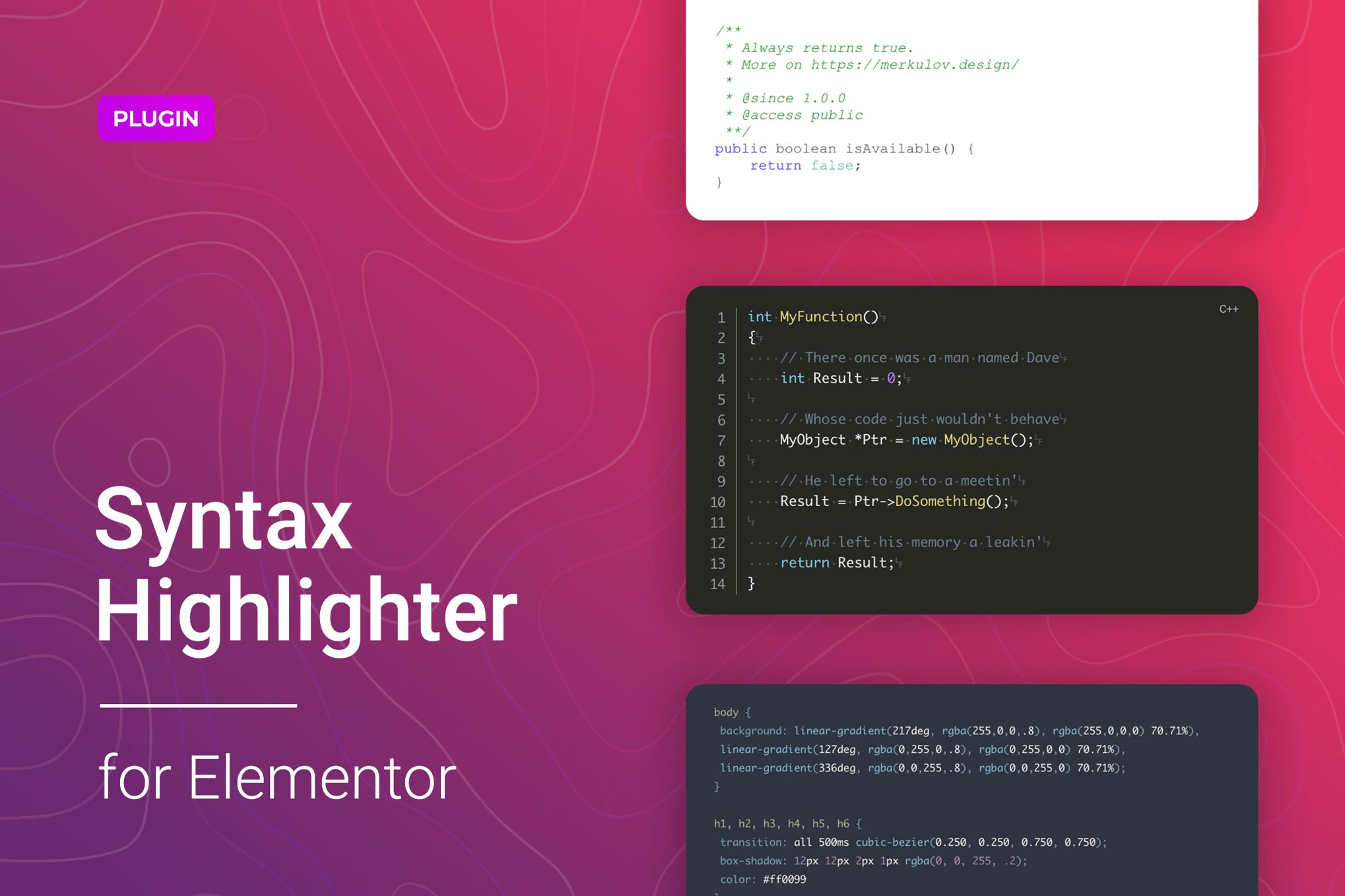
Code Syntax Highlighter is a simple and flexible syntax highlighting WordPress plugin for Elementor based on lightweight and robust prism.js library. Even the basic Code Syntax Highlighter widget settings provide a pretty and readable code-appearance. It supports more than 200 Programming, Scripting, and Mathematical Markup Languages with 30+ different style themes. Moreover, you can easily add code on the page from external sources like BitBucket or GitHub using the URL. The product contains everything for your convenience and even more.A widget is certainly a convenient tool not only for those who write code but also for readers because the code can be easily identified on the content page, thereby saving time and increasing readability. A lot of features will help to improve and adapt the code block according to specific tasks: line numbers, highlighting specific lines, displaying the inline preview of colors in style sheets, adding of the code copy button, and others.Code Syntax Highlighter widget can be useful for different kinds of WordPress sites associated with development, courses or training, documentation, administration, or even with math or scientific research.Once the plugin is installed, it is ready to use and does not require any whistles and bells. The straightforward and flexible settings allow you to enable/disable the necessary features and change the themes, colors, fonts, background and manage other options. One of the interesting features is detecting if the user has requested the system to use a light or dark color theme and adjust the code block to the settings. All this can be configured directly from the Elementor’s interface and does not require additional code knowledge.Code Syntax Highlighter for Elementor is exceptionally compatible with all modern browsers. It does not matter which browser users view your site: Chrome, Firefox, Opera, Safari, or Edge. Everything will look great on all devices and in all browsers.Features of the Syntax Highlighter widget for Elementor200+ languages currently supported30+ Cool Style ThemesBitBucket Snippets / BitBucket RepositoriesGitHub Gists / GitHub RepositoriesMathematical Markup Language includedLine numbering featureFunction Select specific linesAccessible syntax highlighting themes includedTreeview featureCopy to Clipboard ButtonDynamic theme change for Day/NightCustomizable fonts, colors, borders, backgrounds, etc.Responsiveness settingsWorks well with all WordPress themes built on ElementorTotally Seo FriendlyIncluded pot file for quick translation on any languagePerfect for RTL directionFast and smooth installingTested and compatible up to WordPress 5+Lightweight and FastAll major browsers supported Chrome, Firefox, Safari, Opera, and EdgeEasy to use and customize with modern User InterfaceInstallation Guide and detailed Users ManualSix months Included Support for CodeCanyon buyersThe plugin installation takes only a few seconds. Also, you do not need to make any additional settings. The plugin is ready to work immediately after installation – you only need to install and activate it in WordPress.Changelog1.0.6 – 27 August 2020Improved plugin performance in the admin area1.0.5 – 14 August 2020Improved plugin performance in the admin area1.0.4 – 18 July 2020Fixed plugin update and activation issues1.0.3 – 3 July 2020Fixed issues whet using widget inside Single templates1.0.2 – 18 June 2020Fixed Cored style issue in the Safari1.0.1 – 19 May 2020Added initial hosting environment check: PHP version and curl extensionFixed dark/light mode issueCode refactoring1.0.0 – 9 May 2020Initial release