Description
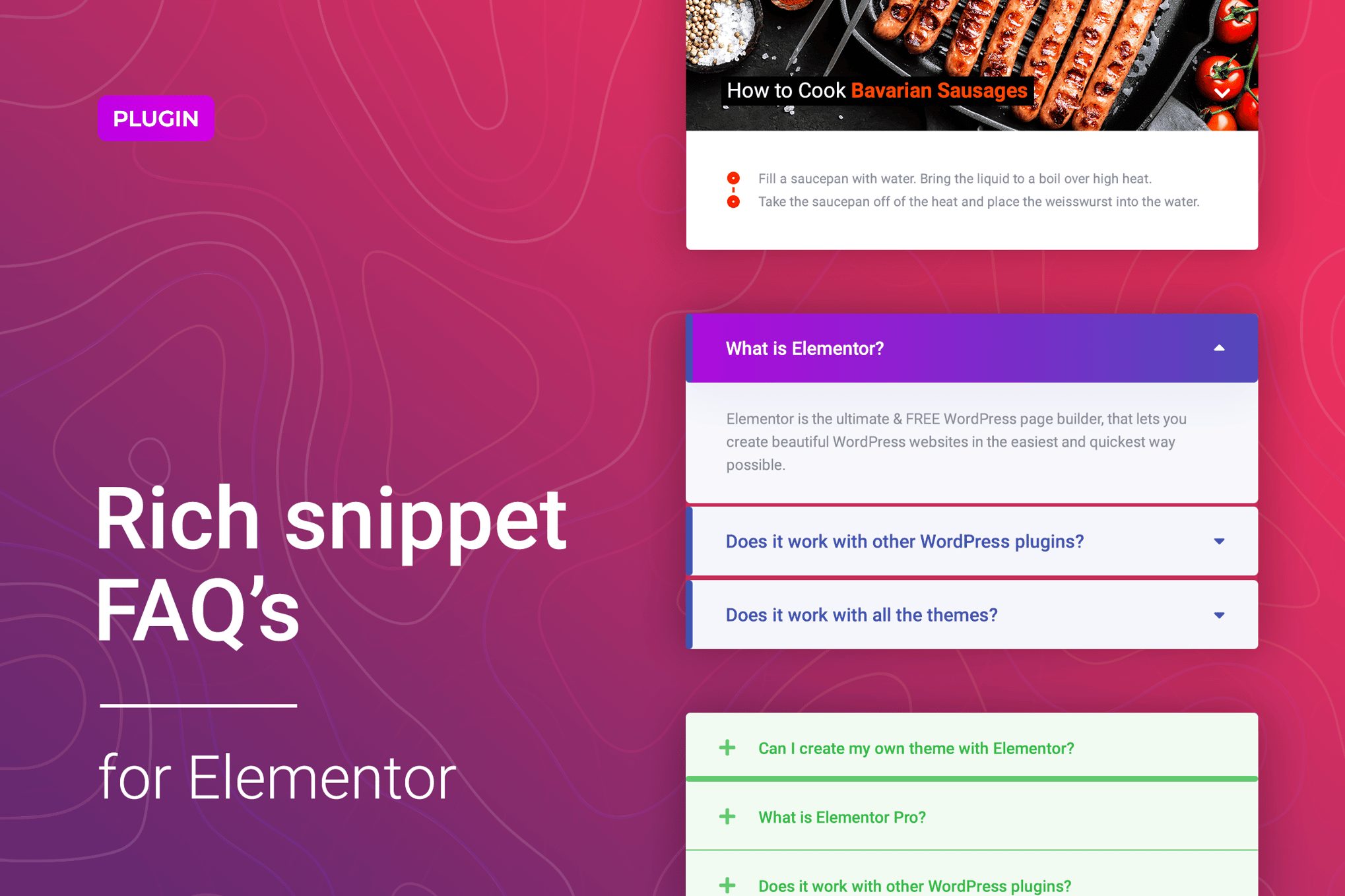
FAQ Accordions for Elementor is an easy to use Elementor widget for adding FAQ block to your WordPress site. The widget allows you to create an accordion with main questions in a few simple clicks and customize it according to your design quickly without any coding knowledge.The main advantage of the FAQ Accordions for Elementor widget is the function of adding schema markup automatically for your questions block to display advanced results in Google Search. Your users will get more information via the Rich Snippets and you can boost your website in the search engine result pages.We made sure that it was easy for you to get started with FAQ Accordions for Elementor. You get 5 unique stylized and go-to-use templates with the plugin. These are just some examples that can inspire you to create your style. It provides you a quick start in a few clicks.The plugin has straightforward and flexible settings. You can configure everything related to the text like font, color, typography, alignment and more. Besides, you can use any icon from the library or your own SVG and stylize it according to your needs.FAQ Accordions for Elementor are exceptionally compatible with all modern browsers. It does not matter which browser users view your site: Chrome, Firefox, Opera, Safari, or Edge. Everything will look great on all devices and in all browsers.Features of the FAQ Accordions for ElementorAccordion FAQ in a few clicksRich Snippets feature includedIcon library includedCustom SVG for the iconsIncluded 5 Elementor TemplatesCustomizable fonts, colors, borders, backgrounds, gradient, etc.Responsiveness settingsWorks well with all WordPress themes built on ElementorPerfect for Elementor 2.5 and higherSeo FriendlyIncluded pot file for quick translation on any languagePerfect for RTL directionFast and smooth installingTested and compatible up to WordPress 5+Lightweight and FastAll major browsers supported Chrome, Firefox, Safari, Opera, and EdgeEasy to use and customize with modern User InterfaceInstallation Guide and detailed Users ManualSix months Included Support for CodeCanyon buyersThe plugin installation takes only a few seconds. Also, you do not need to make any additional settings. The plugin is ready to work immediately after installation – you only need to install and activate it in WordPress.Changelog1.0.2 – 29 August 2020Improved plugin performance in the admin area1.0.1 – 18 July 2020Fixed plugin update and activation issues1.0.0 – 16 April 2020Initial release