Description
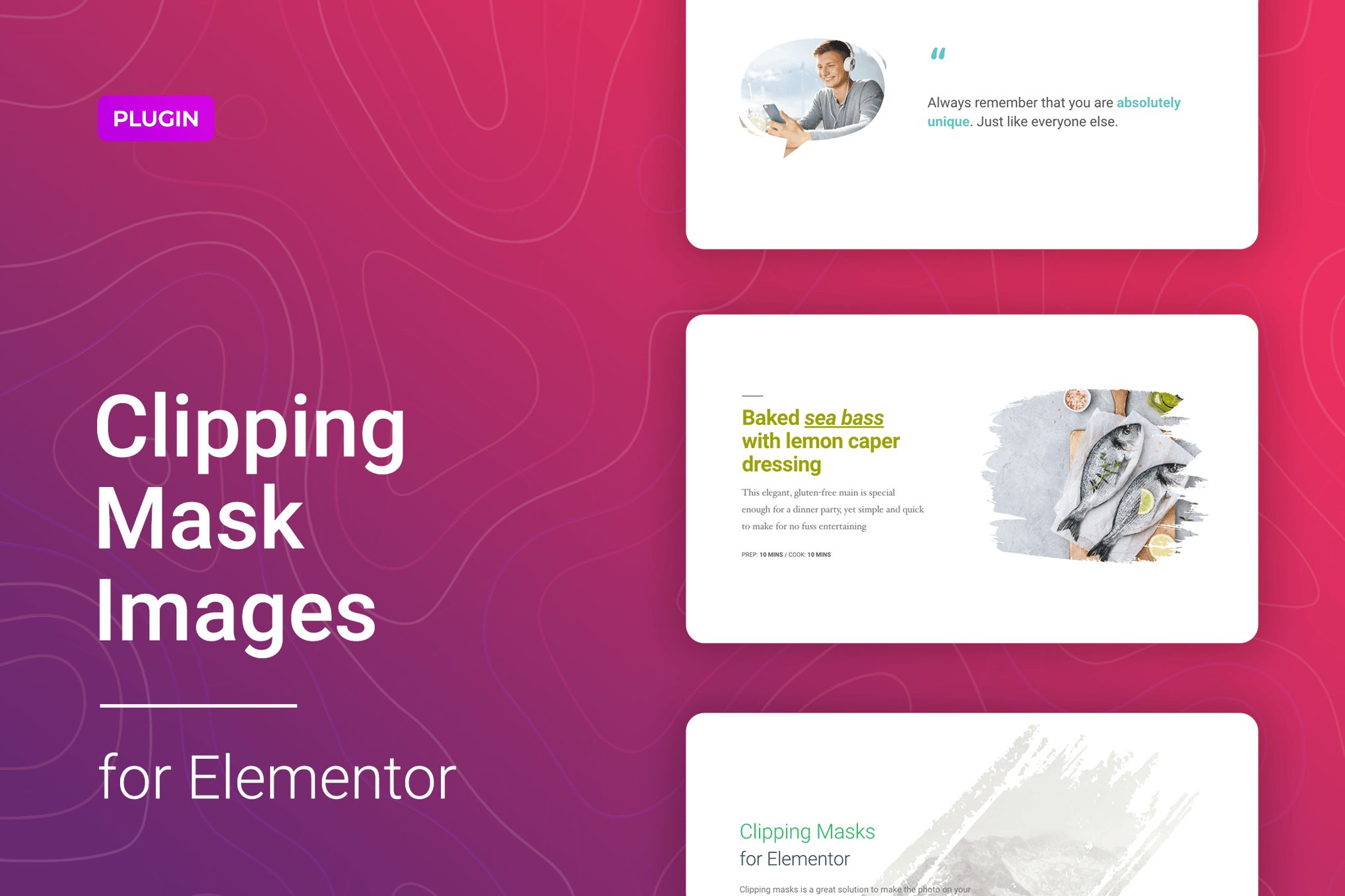
Give your images a new shape using the Clipping Mask for Elementor. With this simple and fun Elementor widget, you can add any clipping mask for your images to get a unique and attractive element to your website. It also allows you to apply a mask to a specific part of the selected image.The plugin comes with 30+ preset image masks that can be applied fast and easily. You can even use a custom shape in SVG format. The Clipping Mask for Elementor is an interesting solution for your design that does not require additional knowledge of coding or CSS and offers your visitors something new. To better understand the capabilities of the widget, we included 5 templates to the package. These are just some examples that can inspire you to create your style. It provides you a quick start in a few clicks.The Clipping Mask for Elementor has straightforward settings. You can select images using the media library or image URL and manage its position, size, and other options for different devices. The Clipping Mask tab offers different shape options to fit your needs. The flexible style settings allow you to change the colors, fonts, background, gradient, paddings, and margins for elements. All this can be configured directly from the Elementor’s interface and does not require additional code knowledge.Clipping Mask for Elementor is exceptionally compatible with all modern browsers. It does not matter which browser users view your site: Chrome, Firefox, Opera, Safari, or Edge. Everything will look great on all devices and in all browsers.Features of the Clipping Mask for ElementorPerfect for Elementor 2.5 and higher30+ Preset mask imagesAdding custom SVG mask images5 awesome templates includedCustom image width and heightCustomizable fonts, colors, borders, backgrounds, gradient, etc.Media library or image URL as the sourceFlexible Clipping Mask settingsResponsiveness settingsWorks well with all WordPress themes built on ElementorTotally Seo FriendlyIncluded pot file for quick translation on any languagePerfect for RTL directionFast and smooth installingTested and compatible up to WordPress 5+Lightweight and FastAll major browsers supported Chrome, Firefox, Safari, Opera, and EdgeEasy to use and customize with modern User InterfaceInstallation Guide and detailed Users ManualSix months Included Support for CodeCanyon buyersThe plugin installation takes only a few seconds. Also, you do not need to make any additional settings. The plugin is ready to work immediately after installation – you only need to install and activate it in WordPress.Changelog1.0.2 – 28 August 2020Improved plugin performance in the admin area1.0.1 – 18 July 2020Fixed plugin update and activation issues1.0.0 – 20 April 2020Initial release