
Description
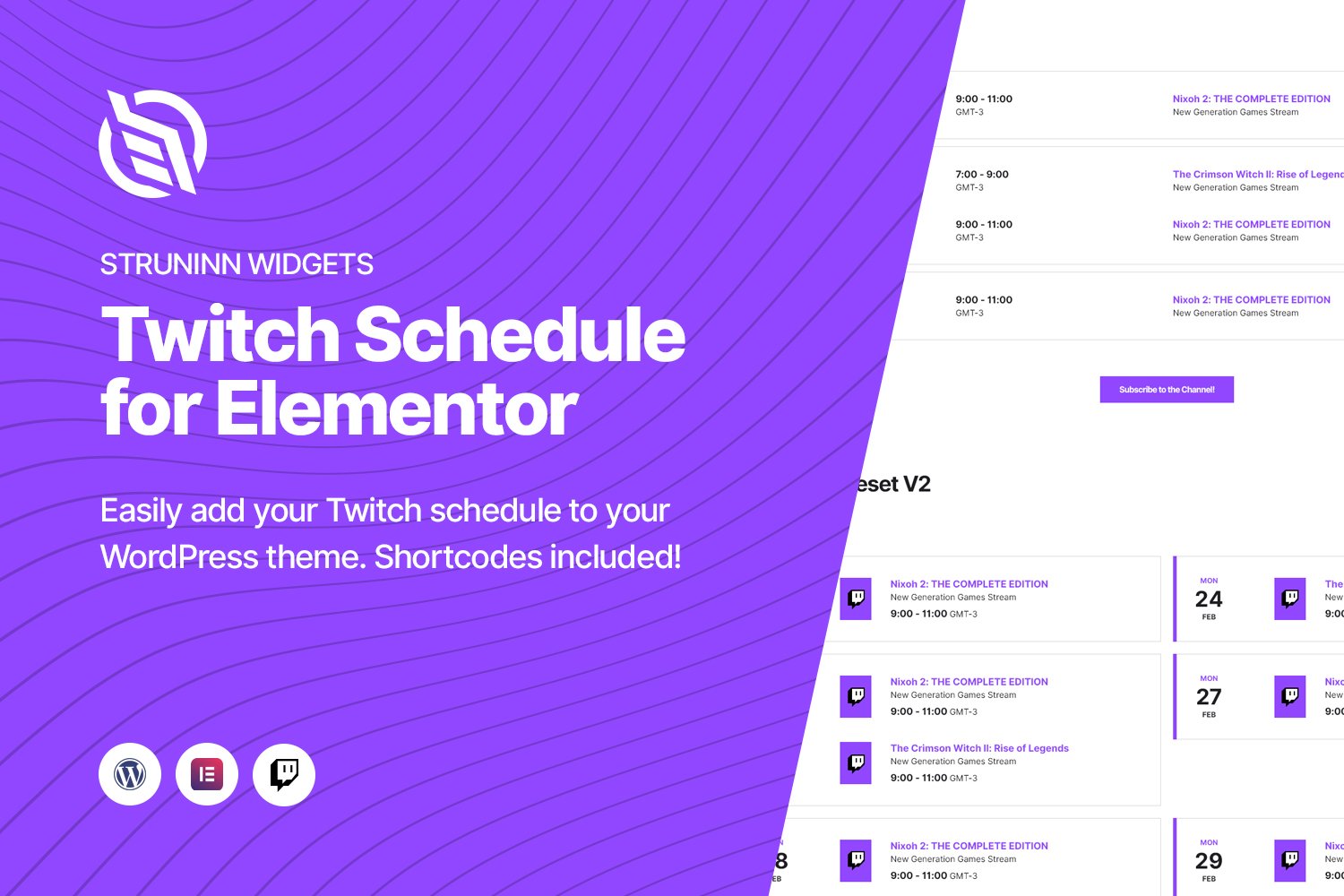
Struninn – Twitch Schedule Elementor WidgetThe Struninn for Twitch – Schedule plugin allows you to easily display your Twitch channel schedule in your site!You can show your Twitch channel schedule by using any of the following options:Template Functions (Developer knowledge required) – WordPress Shortcodes (Shortcode API) – Elementor Widgets (Elementor plugin required)Connect your Account!Connect your Twitch account and the plugin will automatically grab all the info for you! We also included a subscribe button which will lead people directly to your sub page!Easy to Use/InstallAs an Elementor widget, this is really easy to install and use! Once installed the widgets will appear on the Elementor editor. After that, just drag them and start customizing!2 View VersionsWe created 2 view versions so you can choose the one that you like the most! The plugin automatically grabs the base theme’s font, so you only need to customize the colors!WordPress ShortcodesYou can use shortcodes to display the widgets in WordPress posts and pages. Please check the docs WordPress Shortcodes page for more details.Twitch ScheduleThe widget will always display the current week schedule (keep in mind that this cannot be changed) and a link to the full schedule.Twitch APITwitch requires that you register an application in order to be able to make requests to their resources (Twitch applications have rate limits). You can check the docs for more info