Description
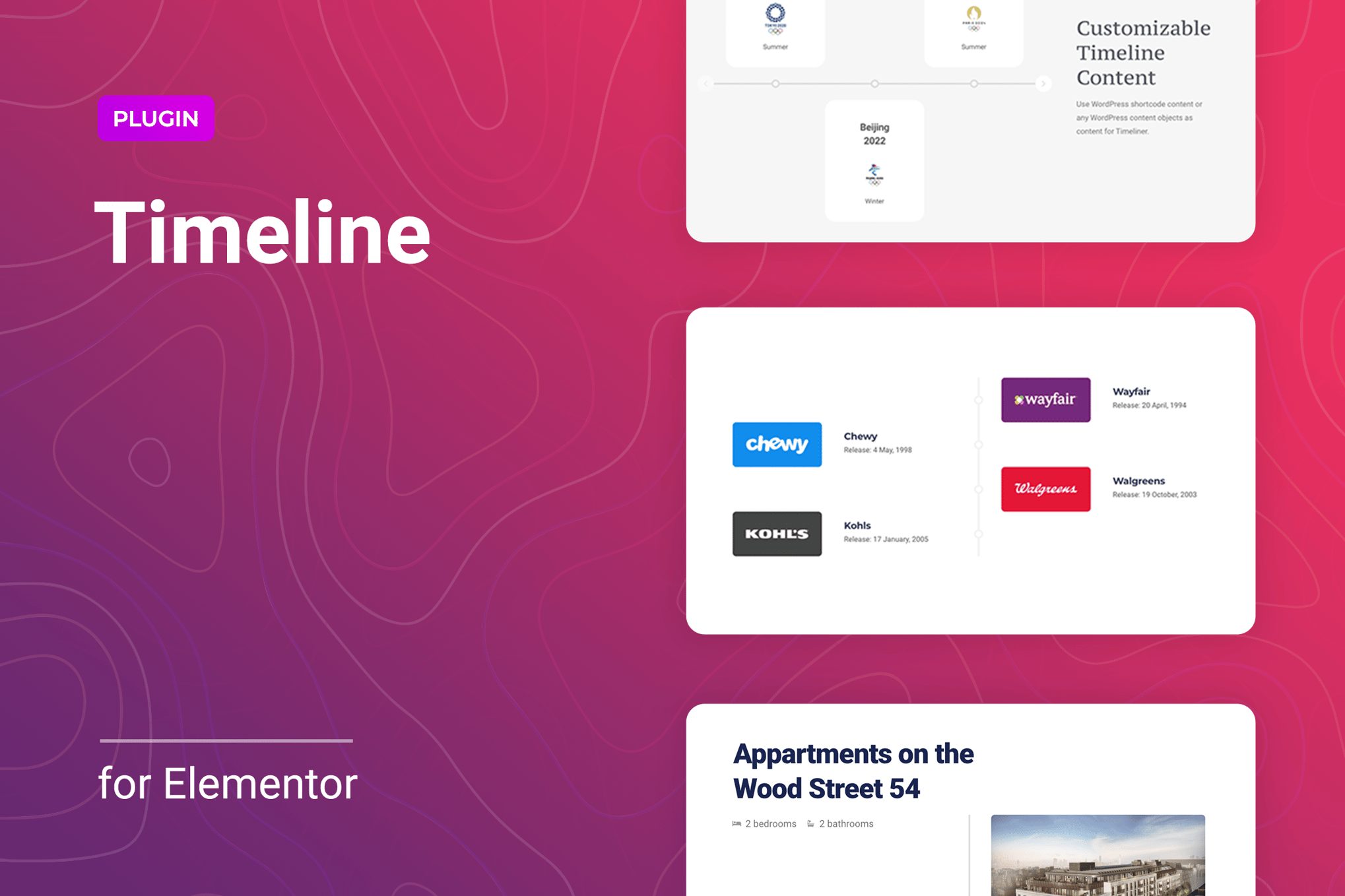
Timeline is a simple and lightweight WordPress plugin for Elementor to create a timeline for your website in a horizontal or vertical format. It is a great way to display events in chronological order, personal/company history, your projects, or any other information. Such a fully responsive, attractive storyline helps to catch the attention of your visitors and increase conversion. It can automatically adapt from horizontal to vertical mode at a certain screen width specified in the settings.Using the custom content, you can add any necessary information to your timeline. Customize a display layout of the block: create, delete, reorder or copy each of the elements such as Image, Title, Description, Button. With the available options, you can control the number of displayed timeline entries per screen or specify the first item. The plugin allowing to create as many storylines as your project requires providing space for creativity. The Timeline WordPress plugin can be useful for different sites like personal/corporate blogs, portfolios, galleries, lifestyle, news portals, and many others.Features of the Timeline WordPress plugin for ElementorHorizontal and vertical display modesChanging the timeline display mode depending on the screen widthSettings the number of visible itemsSetting the start item numberCustom content of itemsСustom items layoutFlexible style settingsPerfect for Elementor 2.5 and higherWorks well with all WordPress themes built on ElementorTotally Seo FriendlyIncluded pot file for quick translation on any languagePerfect for RTL directionFast and smooth installingTested and compatible up to WordPress 5+Lightweight and FastAll major browsers supported Chrome, Firefox, Safari, Opera, and EdgeEasy to use and customize with modern User InterfaceInstallation Guide and detailed Users ManualSix months Included Support for CodeCanyon buyersThe item package includes 5 prepared templates to help you get started quickly with the Timeline and inspire you to create your unique project. Flexible and straightforward style settings will help you set up the display of each element following your requirements and wishes. Change the color, typography, background color, border, margins, padding for timelines, or apply CSS filter for images of entries to get the unique result. All this can be configured directly from the Elementor’s interface and does not require additional code knowledge.The timeline for Elementor is exceptionally compatible with all modern browsers. It does not matter which browser users view your site: Chrome, Firefox, Opera, Safari, or Edge. Everything will look great on all devices and in all browsers. The plugin installation takes only a few seconds. Also, you do not need to make any additional settings. The plugin is ready to work immediately after installation – you only need to install and activate it in WordPress.