
Description
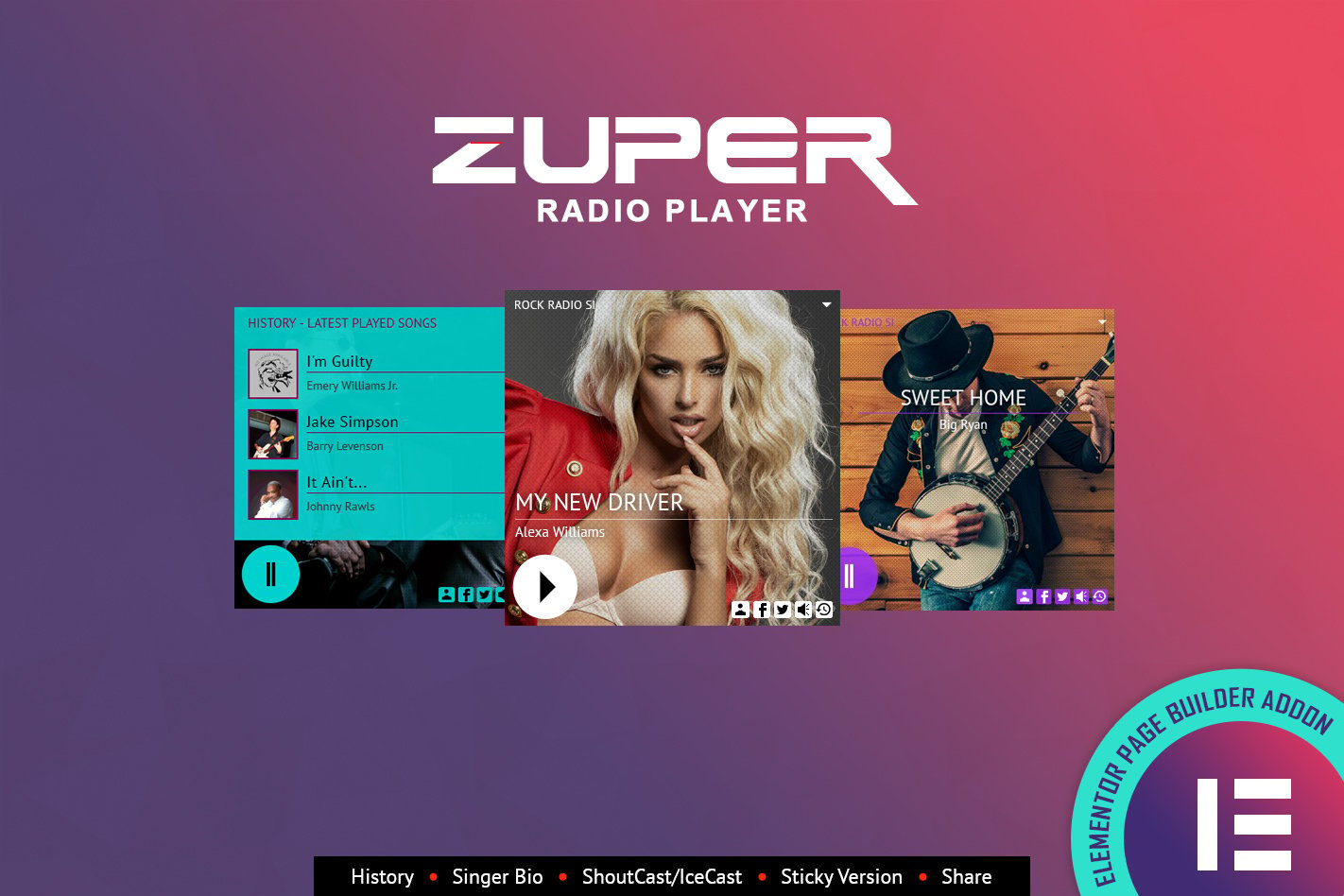
FEATURES:Shoutcast, Icecast and Radio.Co Support – It supports Shoutcast and Icecast radio streaming. The radio stream should be MP3 type. It will also play AAC streams but only on browsers which support AACOnly Radio Stream Needed – Just add the radio stream and the player will get the current playing song and artist photo.Responsive Design – The radio player can be used in websites which are responsive. Optional parameter to disable responsive behavior in order to integrate it in non-responsive websites.Mobile Compatible – It is compatible with IOS and Android operating systems.Artist Image – The player will display the photo of the current playing singer, if it is present in the database.Highly Customizable – You can choose from the 2 available skins: back & white. Also, from parameters you can create any color scheme, having the possibility to integrate it in any design.Sticky Version – Parameter to set the radio player in sticky version.History – It will automatically get the history for ShoutCast streams. For IceCast streams it will generate the history as the radio plays.Show/Hide History – Button to show or hide the history.Bio – It will display the current playing artist bio, if available.Share – You can share the radio player on Facebook and Twitter. Parameters to customize the share title and description.Multiple Instances – You can insert multiple radio players on your website or on the same page. Only one can be set as ‘sticky’.Show/Hide Buttons – You can set as visible or set as hidden: playlist, volume, share buttonsMultiple Parameters – Over 30 options from where you can customize your player, including: width, autoplay, colors and other parameters.VIDEO TUTORIAL:You’ll find detailed video tutorials, in the help documentation**Note for IOS & Android (restrictions imposed by Apple & Google): ** – The autoplay will not work because IOS (and Android) has disabled autoplay feature and it can’t be controlled from JS.